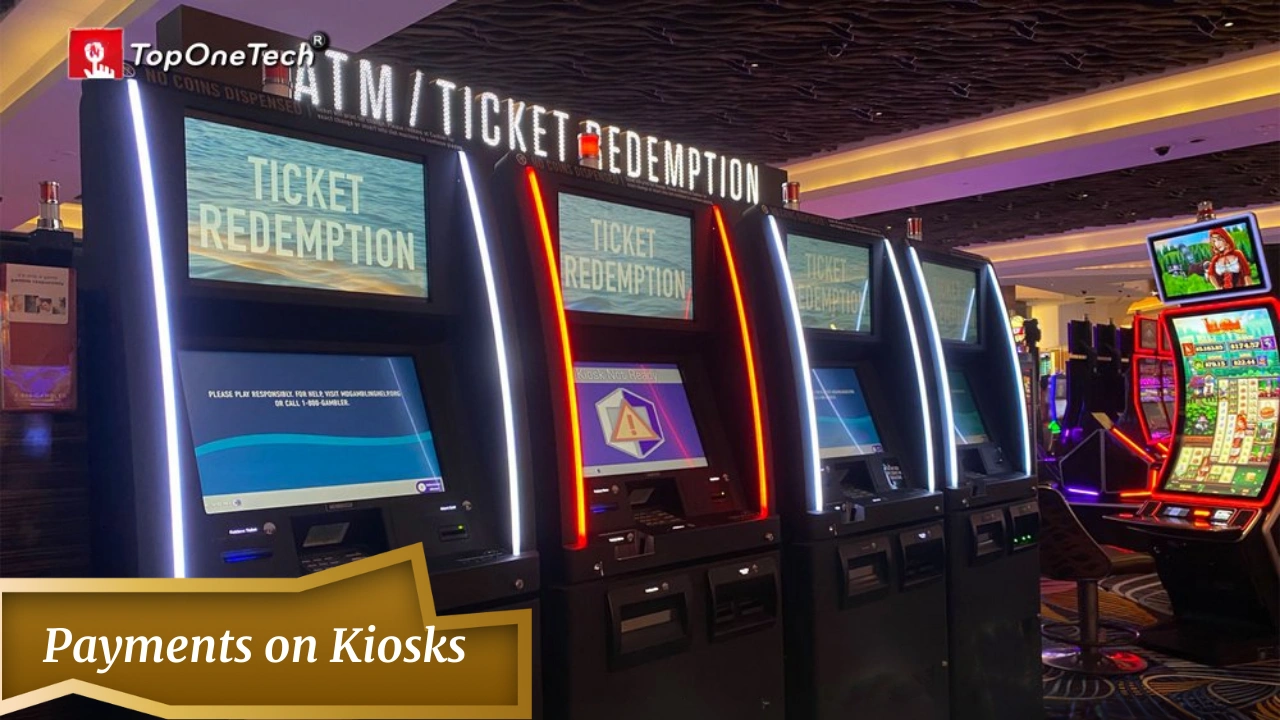
A modern gaming payment setup is crucial for maximizing revenue and ensuring customer satisfaction. Whether your kiosks accept cash, cards, or digital wallets, offering multiple payment options ensures every player can engage seamlessly. Limiting payment methods risks lost sales, while a flexible system captures a wider audience and improves the overall gaming experience.
This guide shows you how to configure a complete gaming payment setup with the right hardware and software. From cash acceptors to NFC-enabled terminals and secure payment gateways, you’ll learn how to streamline transactions, automate credit delivery, and create a smooth, reliable system that meets modern customer expectations.
Essential Hardware Components for Multi-Payment Kiosks
Your gaming payment setup requires specific hardware to process different payment types effectively. Understanding these components helps you build a robust, future-proof system that handles game payment transactions smoothly.
- Cash Acceptor Units: For processing physical currency, you need reliable bill validators that authenticate notes and prevent counterfeits. Modern cash acceptors can handle multiple denominations simultaneously and connect directly to your kiosk management system. These units typically cost between $500-$1,500, depending on capacity and security features.
- Card Readers: EMV-compliant card readers are non-negotiable for secure gaming payment processing. Look for readers that support magnetic stripe, chip cards, and contactless payments. The best card readers for gaming kiosks feature encrypted PIN pads meeting PCI-DSS standards, protecting both you and your customers from fraud.
- NFC Contactless Terminals: Digital wallet payments require NFC (Near Field Communication) technology. These terminals enable Apple Pay, Google Pay, Samsung Pay, and other payment gaming solutions. Most modern card readers include integrated NFC capabilities, simplifying your hardware requirements.
- Receipt Printers: Essential for providing transaction records, especially for cash transactions. Thermal printers work best in kiosk environments due to reliability and speed.
Selecting the Right Payment Processing Gateway
Your online gaming payment gateway is the bridge between your kiosks and financial networks, allowing fast and secure real-time transactions. The gateway you choose affects your transaction fees, processing speed, and payment compatibility. It is important to work with providers that focus on gaming payment processing because they understand the demands of high-volume entertainment environments.
Specialized processors offer features standard retail systems usually lack, including rapid credit loading, instant verification, and smooth integration with gaming platforms. For operators using credit systems powered by Epic Entertainment Games, make sure the gateway connects seamlessly with their credit management tools. This ensures customers receive credits instantly after payment, reducing delays and helping you capture more sales.
Integrating Cash Payments: Step-by-Step Setup

Cash remains important for paid online gaming operations, particularly for customers who prefer or require cash transactions. Setting up cash acceptance on your gaming kiosks involves several key steps.
Step 1: Install Cash Acceptor Hardware
Mount the bill validator unit securely within your kiosk chassis. Most units require standard power connections and USB or serial connections to your kiosk computer. Ensure the cash acceptor is positioned at a comfortable height for users and includes clear lighting for bill inspection.
Step 2: Configure Cash Recognition Software
Install the manufacturer’s software and configure it to recognize your local currency denominations. Test extensively with various bill conditions, new, worn, and folded, to ensure reliable acceptance rates. Set your acceptance parameters to balance security against customer convenience.
Step 3: Establish Cash Handling Procedures
Determine cash capacity limits and collection schedules. Most gaming kiosks require daily cash collection during initial operations, adjusting based on volume. Coordinate with armored car services or establish secure internal collection procedures.
Step 4: Integrate with Gaming Platform
Connect your cash acceptor to your gaming payment setup software so cash deposits automatically convert to gaming credits. When working with Epic Entertainment Games, our systems support instant credit loading as cash is received, ensuring seamless customer experiences.
Implementing Card Payment Systems
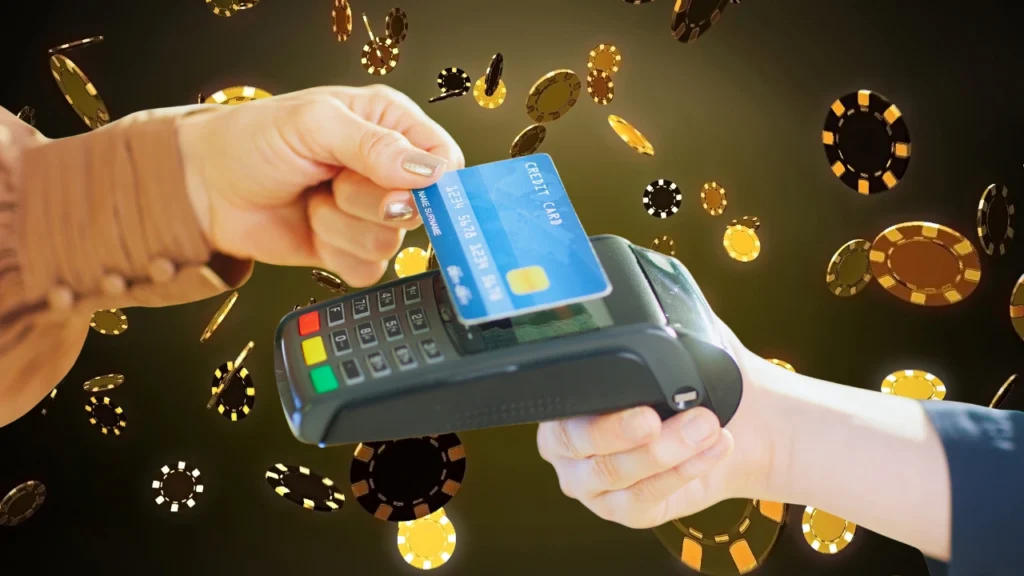
Card payments represent the majority of gaming payment processing transactions in modern operations. Proper implementation ensures fast, secure transactions that keep customers satisfied.
1. Hardware Installation
Mount your EMV-compliant card reader at ergonomic height with clear instructions. The reader should connect to your kiosk system via encrypted connections, USB, or network connections, depending on your setup. Ensure the PIN pad is clearly visible with good lighting for easy use.
2. Payment Gateway Integration
Configure your gateway credentials within your kiosk software. This includes merchant ID, terminal ID, and encryption keys. Test all card types, credit, debit, prepaid, to verify acceptance across different networks (Visa, Mastercard, American Express, Discover).
3. Transaction Flow Optimization
Minimize steps between card insertion and credit delivery. The best gaming payment setup for card transactions processes payments and loads credits in under 10 seconds. This speed keeps lines moving during peak periods and improves customer satisfaction.
4. Security Compliance
Ensure PCI-DSS compliance through encrypted transactions, secure card data storage, and regular security audits. Non-compliance risks significant fines and compromises customer trust. Your payment gateway should handle tokenization, keeping sensitive card data off your systems entirely.
Adding Digital Wallet Capabilities
Digital wallets represent the fastest-growing segment of pay gaming transactions. Implementing Apple Pay, Google Pay, and similar services requires NFC technology and proper software configuration.
1. NFC Terminal Setup
If your card reader includes NFC functionality, activate it through your payment processor. Standalone NFC terminals work well when integrated card readers lack contactless capabilities. Position the NFC terminal clearly with universal contactless payment symbols so customers immediately recognize the option.
2. Digital Wallet Integration
Configure your payment gateway to accept digital wallet transactions. This typically involves enabling NFC payment types within your merchant account settings. Test each major digital wallet platform, Apple Pay, Google Pay, and Samsung Pay, to ensure compatibility.
3. Transaction Speed Optimization
Digital wallet payments should process even faster than card insertions, typically 3-5 seconds from tap to credit delivery. This exceptional speed makes digital wallets ideal for high-volume gaming environments where customer throughput determines revenue.
4. QR Code Payments
Consider adding QR code payment options for platforms like PayPal, Venmo, or Cash App. These require camera functionality or QR scanners, but expand your gaming payment processing options significantly, particularly for younger demographics.
Software Configuration for Unified Payment Processing
A strong gaming payment setup brings all your payment hardware together so customers can pay smoothly with cash, cards, or digital wallets. Automatic payment detection, simple routing, and instant credit loading keep the experience fast and intuitive. When paired with Epic Entertainment Games, credits are delivered within seconds of verification, which boosts satisfaction and encourages repeat play.
Your system should also track every transaction with clear logs for easier audits and troubleshooting. Reliable error handling matters too, since clear messages and quick refunds protect customer trust and reduce support issues.
Why Epic Entertainment Games Supports Your Payment Setup Success
Implementing multi-payment kiosks for gaming operations takes more than basic hardware. It requires a partner who understands the online gaming industry and can support every stage of your setup. Epic Entertainment Games helps operators build a gaming payment setup that integrates smoothly with their platforms and fits the needs of different customer groups. Their instant credit delivery system works with cash, cards, and digital wallets, and customers receive their credits within 30 seconds, so gameplay starts immediately.
With round-the-clock support, technical issues are handled quickly through WhatsApp, Telegram, or email. This keeps downtime and revenue loss to a minimum. Epic Entertainment Games also advises operators on selecting the right payment methods for each location, using insights from multiple markets to help you make smarter gaming payment processing decisions and improve overall performance.
Frequently Asked Questions
Setting up multi-payment kiosks for gaming typically costs between $2,000 and $5,000 per unit, depending on the hardware you choose. Core components include cash acceptors, card readers with NFC, receipt printers, and the kiosk enclosure. Payment processing fees usually fall between 2.5 and 3.5 percent for card payments, while cash handling ranges from about 4.7 to 15.3 percent based on your transaction volume and collection process.
Configuring payment processing on gaming kiosks is a quick process. Hardware installation usually takes about 2 to 4 hours per kiosk, and setting up the payment gateway adds another 2 to 3 hours. Software integration with platforms like those from Epic Entertainment Games is typically completed within 24 hours, including testing.
Most modern payment processors offer unified merchant accounts handling cards, digital wallets, and even cash through integrated solutions. This simplifies accounting and reduces administrative overhead. However, cash-to-card conversion kiosks might require separate arrangements.
Conclusion
A strong gaming payment setup that accepts cash, cards, and digital wallets helps you capture more customers and increase revenue. Epic Entertainment Games makes the technical work easy by offering clear guidance, smooth integration, and reliable support.
Whether you are launching new kiosks or upgrading old ones, their team creates a simple plan that fits your goals. Contact Epic Entertainment Games to set up a gaming payment setup that delivers instant credits and keeps your business running without stress.